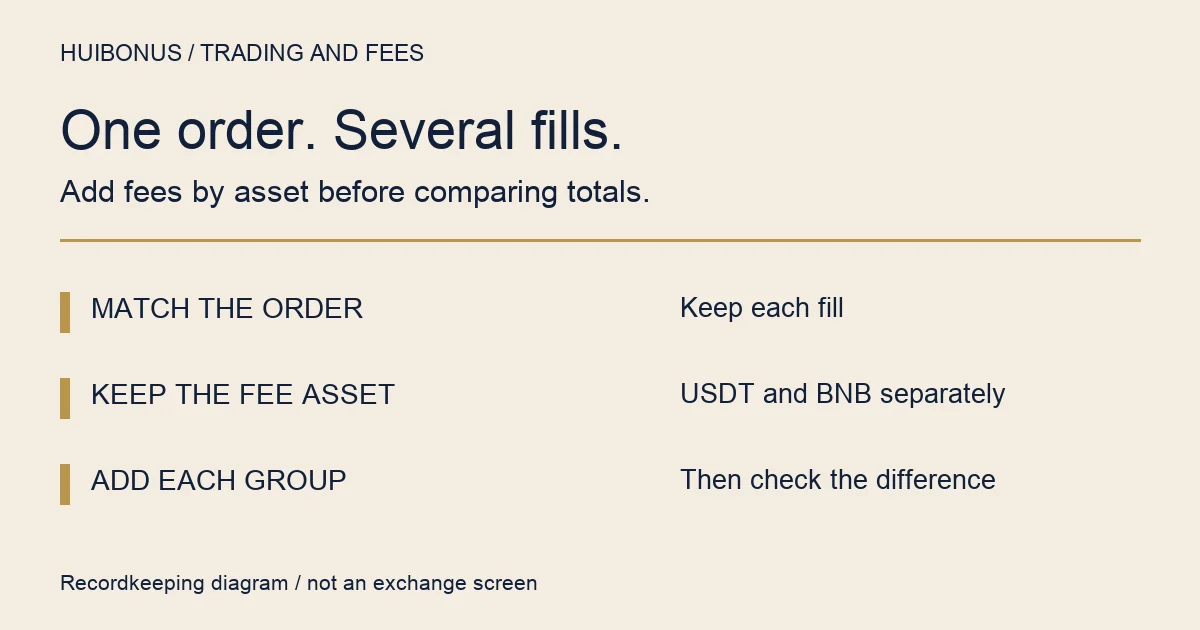
Checked against public Binance documentation on 9 September 2026. To check the fees on a spot order that filled in parts, add the fee recorded on each fill, keep a separate total for each fee asset, and compare it with the quantity that actually executed. An order marked “Canceled” can still show trades and fees, because part of it may have filled before the rest was canceled.
For my own worksheet, I would keep a separate total for each fee asset before trying to express everything in USDT. It leaves an extra column to deal with, but avoids an attractive-looking total with incompatible units. Ordinary spot orders only: margin interest, derivatives, trading-bot fee returns and a broker’s per-order minimum charges are out of scope.
Start with the order, then collect its fills
In Binance’s English interface, look for Order History and Trade History. The first describes the order; the second records executed trades and their fees. The official guide says partially filled orders remain in trade history even when their remainder is canceled. A canceled status alone therefore does not mean nothing traded.
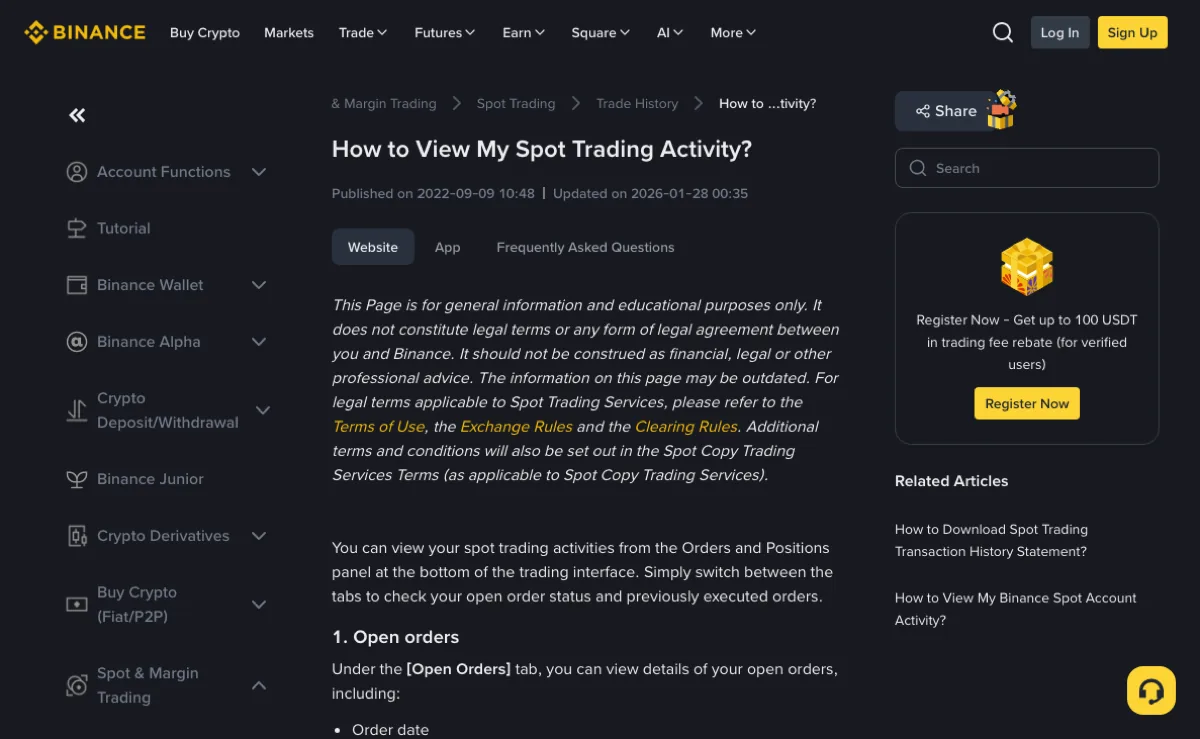
Open the official spot activity guide and choose the Website or App tab for your device. Its instructions describe date filters and a Search button for trade history. Those are useful starting points; the layout in your version may differ.
Make a note of the pair, side, order identifier where available, and executed quantity. Use the order’s linked trade details if offered. Otherwise, match the records carefully: two sells in the same minute need not belong to the same order. A similar timestamp or amount is a clue, not a unique identifier.
Is any of the order still open? Another fill can arrive after you export the records.
Compare the date range and time zone on the screen with those in the exported file. If you cannot tell which order a trade belongs to, leave that row unresolved and keep its identifier for follow-up. Assigning it to the nearest-looking order can make one total balance while introducing an error into another.
Give the fee amount and fee asset separate columns
A number such as 0.003 is not a complete fee record. You also need to know what was deducted. Binance’s spot glossary distinguishes commission, the fee paid on a trade, from commissionAsset, the asset used to pay it. You do not need an API connection to apply that distinction to a worksheet.
| Match the record | Record the execution | Record the charge |
|---|---|---|
| Pair and order ID | Filled quantity and trade value | Fee amount |
| Time and trade ID, if available | Buy/sell and maker/taker, if shown | Fee asset |
Keep every decimal place in the source records. Rounding tiny fees to two places can erase them. Add the full amounts first; round only the displayed total, leaving the originals available.
Overlapping exports need attention too. Importing Tuesday’s file and then a whole-week file can count the same Tuesday trade twice. Use the platform’s identifiers within the relevant pair to identify duplicates, rather than deleting rows merely because their amounts are equal.
Add USDT to USDT, and BNB to BNB. If an order has charges in different assets, preserve those groups. The records alone do not explain why the payment asset changed. That needs evidence about the applicable conditions at each fill.
A canceled remainder does not belong in the fee denominator
Here is an invented arithmetic example. It is not a market quote, an account record or a published fee tier. Suppose a sell order was placed for six units of a fictional token. Two units sell at 30 USDT each, another unit sells at 33 USDT, and the remaining three units are canceled. The example records the following charges:
| Fill | Quantity × price | Recorded fee |
|---|---|---|
| First | 2 × 30 = 60 USDT | 0.0300 USDT |
| Second | 1 × 33 = 33 USDT | 0.0165 USDT |
| Total | 3 units; 93 USDT | 0.0465 USDT |
The fee total is 0.0300 + 0.0165 = 0.0465 USDT. That already includes both fills. Multiplying it by two would count them again.
Three units actually sold. Their weighted average price is 93 ÷ 3 = 31 USDT, rather than the simple average of the two prices. The other three units contribute neither executed quantity nor trade value to this calculation.
Because the fee and trade value in this example are both in USDT, the recorded fee share is 0.0465 ÷ 93 × 100% = 0.05%. That percentage describes the invented example only. It does not tell you the rate your account should have paid.
If the stated fees are deducted directly from the USDT proceeds and there are no other adjustments, the net proceeds are 93 − 0.0465 = 92.9535 USDT. A change in the account’s total USDT balance is a different measure: it can include other trades, transfers or credits.
With a single proportional rate and identical calculation conditions, adding fees on separate fills is mathematically equivalent to applying that rate to their combined value, before rounding differences. Real records may have different applicable conditions. Multiple lines are therefore a reason to reconcile the charges, not proof either of overcharging or of correct charging.
A BNB charge needs its own reconciliation
Dividing a BNB amount by a USDT trade value does not produce a fee percentage. Keep the BNB charge as recorded. If you need a USDT valuation for your own notes, put the conversion price, source and time in separate columns and label the result as an estimate.
The official BNB fee-payment explanation distinguishes the estimate shown before execution from the final fee and notes that insufficient BNB affects discount eligibility. It also describes a conversion method for non-BNB pairs. A current market quote need not reproduce that historical conversion.
The same caution applies to a payment switch that is enabled now. Its present setting does not prove what applied to a previous fill. First establish the asset and amount actually deducted; then investigate the rate and conversion basis that applied at that time.
If the next question is about a discount or a later rebate, use the separate guide to fee discounts and rebates. An unverified rebate should not be subtracted from a recorded charge as though it has already arrived. The fee and rebate calculator can check a hypothetical calculation, but does not read your account or verify a fee.
Turn the remaining difference into a specific question
Work out which comparison fails before contacting support:
- The filled quantity does not match. Revisit order membership, filters and whether execution is still in progress. Fee arithmetic cannot repair missing or misassigned fills.
- The quantity matches, but your fee subtotal does not. Check duplicate imports, mixed assets and early rounding. Compare the same set of records on both sides.
- The subtotal matches, but the charge differs from your expectation. Check the historical fee conditions and any recorded maker/taker role. Today’s tier is not enough to reconstruct yesterday’s charge.
- You only have a balance difference. Reconcile the relevant asset movements first. A lower balance does not isolate a fee on this particular order.
A useful support request might read: “The executed quantity matches my order. I have grouped its recorded fees by asset, but this fill differs from my calculation. Please explain the rate and fee-payment basis used for that fill.” Include the relevant order identifier, time and disputed row through official support. Passwords, verification codes and API secrets are not reconciliation material.
Keep a copy of the original record and your calculation together. An unexplained row can stay open until support supplies the missing basis.
Should I multiply the total fee by the number of fills?
No. Adding the recorded fee for each fill already includes those fills. Check missing rows, duplicate rows and mixed fee assets instead of multiplying the total again.